The Covid 19 pandemic has changed the world of work for many employees over the last three years. What was previously largely a non-issue or difficult to implement has now also arrived in many medium-sized companies – working from home. Often ridiculed and seen as “hanging out at home”, more and more employees want flexible working conditions – regardless of where they work and when – and a good work-life balance. We give you the best tips and tricks for working from home.
To enable this way of working, an ergonomic working environment is important to ensure your productivity and efficiency, even when working from home. Here we offer you an overview of the most important points to consider when setting up a workstation at home. But let’s start with the basic things that need to be clarified before setting up your workspace.
- Your employer must agree to you working from home
There is no right to work from home. You need permission from your employer. - Arrangements with your employer
What is expected of you, which channels are used for communication, regulation of working hours, will you be provided with hardware/software and/or office equipment … - Core hours and work rhythm
Set fixed working hours and break times – this makes it easier to separate work and private life. - Arrangements
Make arrangements with your family members about when you may be disturbed. - Insurance and occupational health and safety
The same laws and rules must be observed in the home office as in the office. This means that you are entitled to a 30-minute break if you work 6 hours or more. If you have an accident during a work-related activity, the statutory accident insurance applies, otherwise your private insurance applies.
Tips for furnishing your new workplace
- The right location ...
… is crucial for concentrated and effective work. Ideally, you can set up your own study in your home. If you live with other people in the same household, it is important to set times when you can work undisturbed and are not hindered by constant distractions. - Desk
If you don’t just work at home sporadically, it definitely makes sense to think about buying a height-adjustable desk. After all, working at a kitchen table that is too low or in bed is bad for your health in the long term. Especially when working at a computer/laptop (see “Work materials”), there is a risk of neck and back pain and this is a typical reaction to poor posture.
Our cooperation partner inoverhome offers height-adjustable desks in various sizes and colors. The advantage is obvious: people who work in an office spend around 75 to 80 percent of their working time sitting down[1]. With a sit-stand combination, you can bring more dynamism into your working day. Ideally, you should alternate between sitting and standing approx. 2-4 times per hour, as the constant change prevents monotonous work processes, increases your concentration and well-being and relieves the strain on your back and neck.
Let there be light!
- Light sources
You probably know this too: if you work in dim, dimmed light, you quickly become tired and lose concentration. For this reason, adequate lighting is an important part of setting up your new workplace. Daylight is an important factor, as it has a stimulating and motivating effect on the human body[2]. Artificial light cannot achieve this effect. Another important point: if possible, your screen should be positioned parallel to the window to reduce the risk of glare and reflection from sunlight. If there is not enough daylight at your workstation, you will need to use artificial light to help. The general lighting in the room must be high enough so that the room is not too dark compared to the screen and your eyes do not have to strain too much to bridge the brightness deficit. In addition, a desk lamp provides enough brightness to be able to work on detailed tasks.
Tip: if you stare at a screen for a long time, your eyes will get tired, dry out and start to burn. To prevent this, look out of the window and focus on things further away. - Seating furniture
You don’t just want to stand, you also want to sit comfortably and ergonomically. A kitchen chair is not a good alternative for your back in the long term. There is now a large selection of sitting/standing furniture for your workplace: be it the classic office chair, a stool or standing aids. Important features of your new seating furniture: flexible, adjustable, comfortable, relieving and stable. The basic rule here is: try it out! Because what someone finds comfortable and pleasant is a very individual decision.
Chaos in the workplace?
- Work materials
Your employer may provide you with equipment such as a PC, monitors, printer, etc. If this is not the case, think carefully about what you need. If this is not the case, think carefully about what you need. Sitting bent over in front of your laptop all day is certainly not a good idea, so it makes sense to buy an external monitor. Make a list of what materials you need for your work and how you can work efficiently. Do you need folders to sort your papers? Or can you do without them altogether and prefer a paperless, minimalist office? Basically, the less chaos there is in your workspace, the better you can concentrate and the less time you have to spend searching. - Cable management
Printer, laptop, monitor, smartphone, camera … Do you also have absolute cable chaos? A cable management system can help. It helps you keep an overview and eliminates the risk of tripping. - Heating and warmth
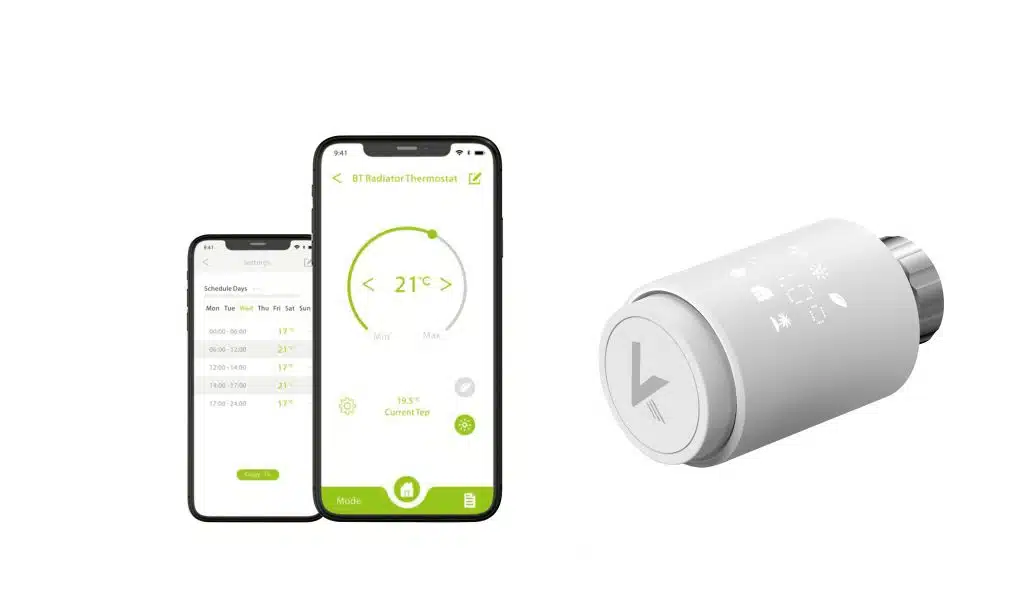
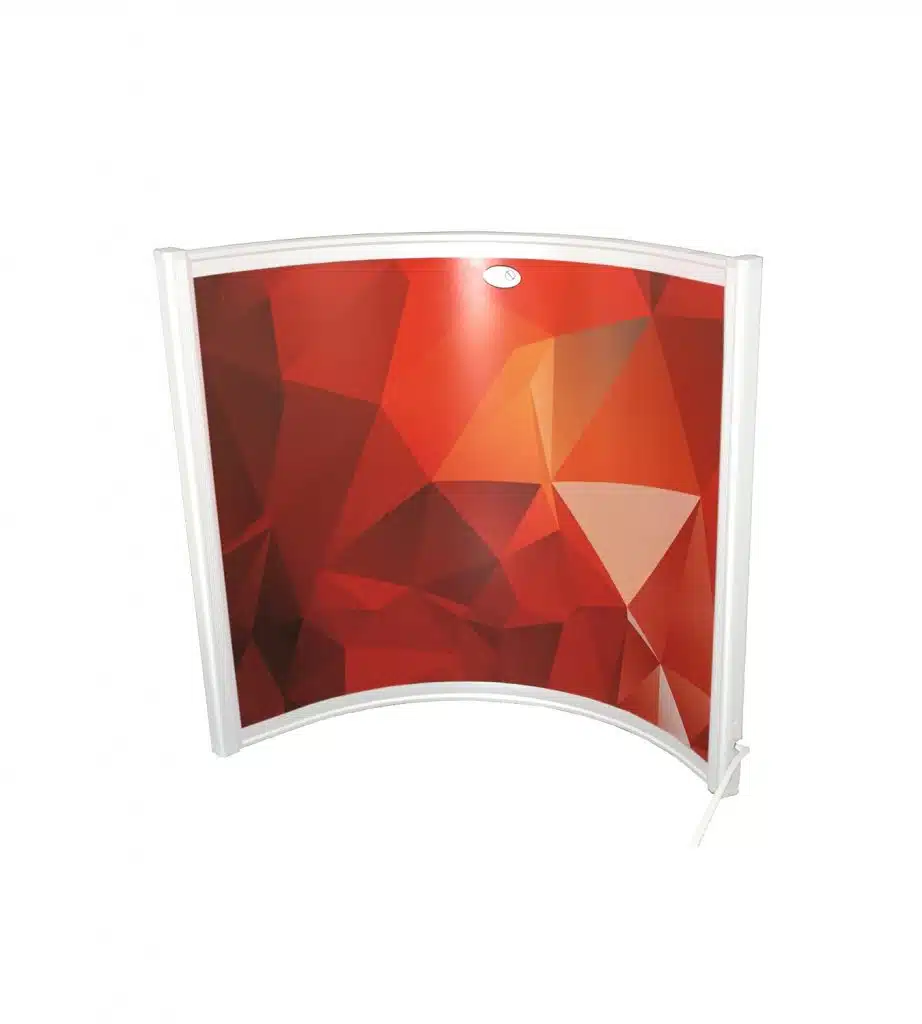
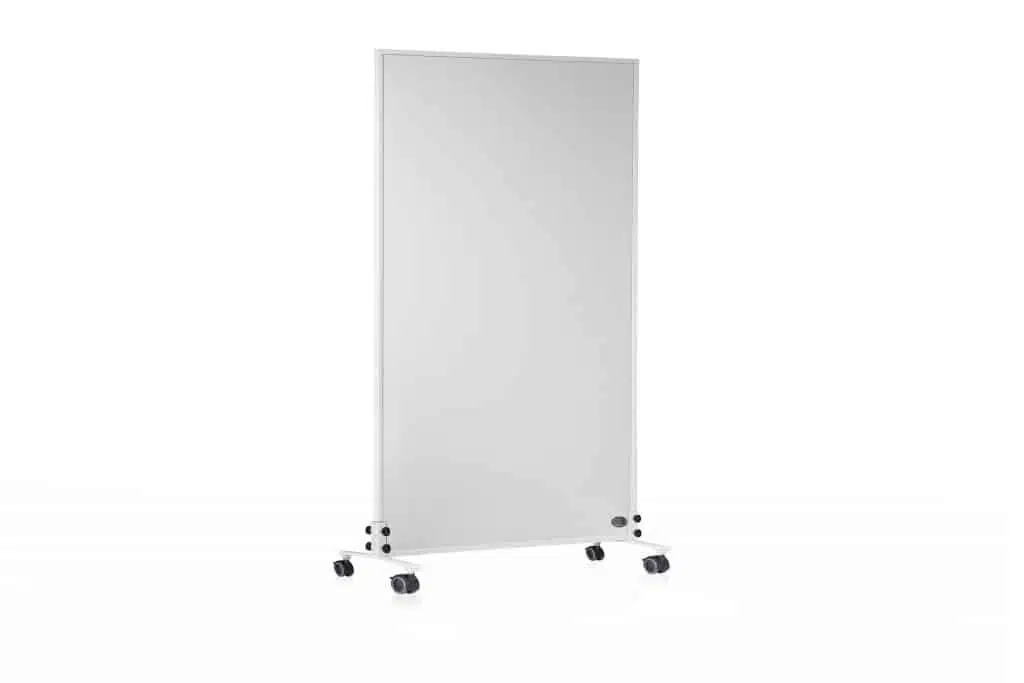
The heat source in your new home office is essential for efficient and concentrated work. There are many different ways to heat your home. Have you ever thought about infrared heating? Thanks to its simple installation, it can be added to existing heating systems as well as heat rooms without heating quickly and safely. You can find out more about ideas for a warm home office here.

Not had enough yet? Here you will find even more tips and tricks for successful working from home.
- Stay in touch!
Whether with your superiors or with your colleagues – meet up for lunch and use the communication channels on offer to avoid losing contact and counteract isolation. - Keep work and private life separate
Nobody expects you to be present 24/7 just because you are now working from home. After all, you have the same rights when working from home as you do in the office. But to make it easier for you to separate your professional and private life, switch off your computer and other work devices such as a business cell phone or tablet at the start of your working day. Let your colleagues know your core working hours so that everyone knows when they can reach you. - From A-Z
Give your working day structure – a good method is the Pomodoro technique. You work for 25 minutes at a time, take a 5-minute break and work for another 25 minutes and so on. The idea behind it: the 25-minute period is too short to get distracted or procrastinate, but long enough to get something done. Interested in the method? You can find out more here. - Stop! Take a break
When working from home, there is a tendency not to take a break. It is often simply forgotten. A little tip: make a note of your lunch break in your calendar. If you live with your partner and/or children, you can organize a lunch together. If you are alone, cook yourself something nice, go for a walk or meet up with your colleagues for a chat in a café. Important: get away from your desk and don’t think about your work. A little rest increases productivity and prevents mistakes and tiredness.
Relaxation is important
- Call me at
How about talking to your colleague on the phone if you have any unanswered questions instead of writing an email or chat? If direct contact on site is not possible, you should use such opportunities for a short, private conversation. - Drink tea and relax
Integrate small relaxation techniques or feel-good moments into your daily work routine. Stand up, stretch and stretch your body to prevent pain and tension. Here you will find exercises for your neck and shoulders. How about a cup of tea? Close your eyes and imagine you’re lying on a white sandy beach, the palm leaves rustling in the wind, the sound of the sea … - Sleep well
Good sleep is important and healthy. The need for sleep is between 5-9 hours and can vary from person to person. The basic rule is to switch off the TV, computer and smartphone early before going to sleep and ideally leave them outside the bedroom. That way, you won’t be tempted to keep looking at the display. After all, if you use your cell phone after turning off the light, you won’t switch off mentally and will sleep worse. Instead, read a book, drink a cup of tea or treat yourself to a warm bath before going to bed.
Conclusion
There are many points to consider when setting up a home office workplace. Starting with the legal basis and insurance cover, through to practical aspects such as “Which desk is right for me?” and the purchase of various work materials. Don’t forget: in the long run, working from home can lead to isolation. Keep in touch with your colleagues, arrange to meet for lunch or talk to each other on the phone. Because in order to be able to deliver good work, one thing counts above all: you have to feel comfortable and enjoy your work.
Want to know more?
We are delighted if we have been able to show you new aspects of infrared heating. There is a lot more exciting information to discover. Perhaps you are planning a chicken coop and are still looking for the right coop heater? Or are you interested in infrared heat for your dog or cat? Then simply visit our blog regularly – it’s worth it! If you have any further questions, our friendly customer service team will be happy to help you – by phone, email or chat. We look forward to hearing from you.